
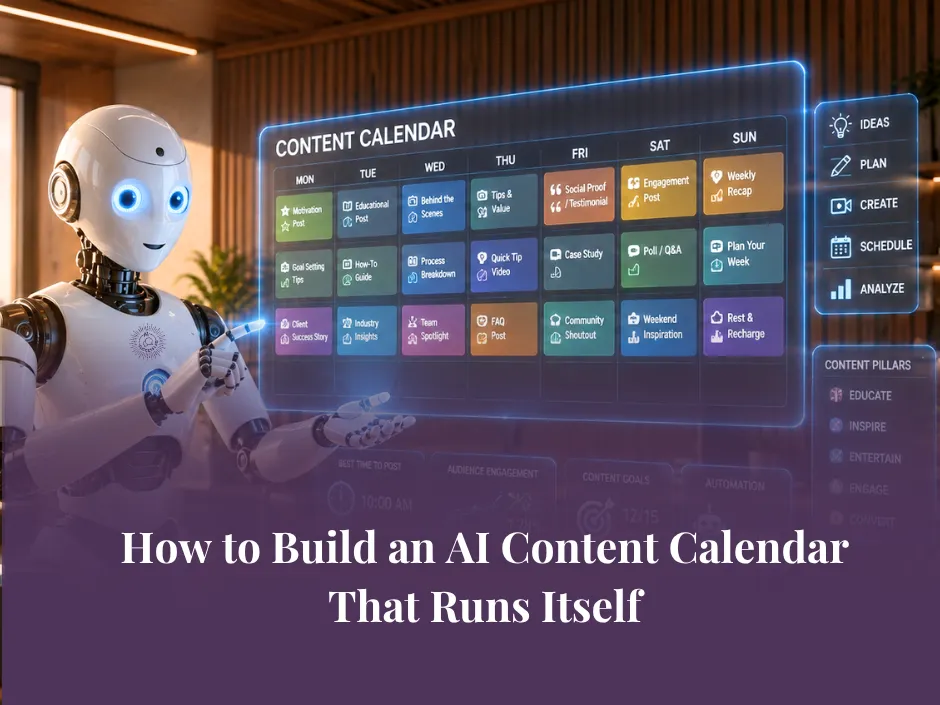
How to Build an AI Content Calendar That Runs Itself
Most small business owners have started a content calendar at least once.
They set it up on a Sunday afternoon, fill in a few weeks, feel organised for about four days, and then real life takes over. A busy client week. A priority that shifts. A week where content just does not happen.
The calendar sits empty. The guilt builds. The cycle repeats.
The problem is not discipline. It is that most content calendars are built as a scheduling tool rather than a planning system. They tell you when to post but not what to say, why it matters, or how to create it without starting from scratch every single time.
AI changes this - but only when it is built into the planning process from the start, not bolted on as an afterthought.
What a Real Content System Looks Like
Before we get into the how, it is worth being clear on what we are actually building here.
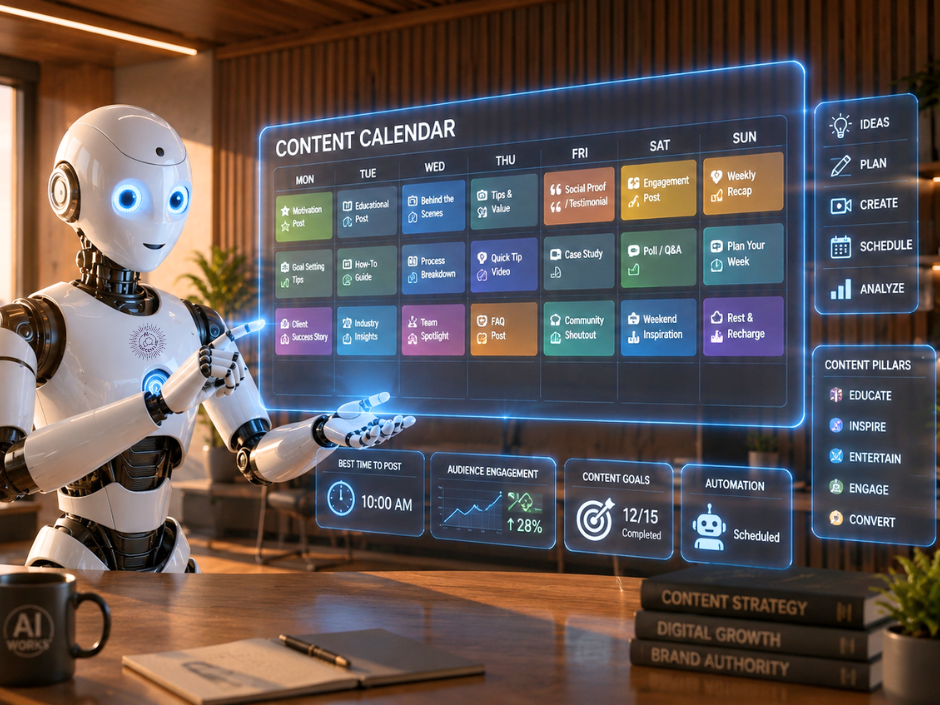
A content calendar that works is not just a grid of dates and post types. It is a system that answers four questions before you sit down to create anything:
What am I talking about this month, and why?
Who am I talking to, and what do they need to hear right now?
How does each piece of content connect to my business goals?
Where does each piece live, and what format does it need to be in?
When those four questions are answered at the planning stage, content creation becomes execution rather than invention. You are not staring at a blank screen wondering what to write - you are filling in a brief that already exists.
AI is exceptionally good at helping you get to that brief quickly. It is not replacing your strategy - it is helping you build it faster and think through the gaps you might otherwise miss.
Step 1 - Anchor Your Content to Themes
The most sustainable content calendars are built around monthly or quarterly themes rather than individual post ideas.
A theme gives everything a direction. It means every piece of content you create that month - social posts, emails, blogs, videos - is pulling in the same direction and reinforcing the same core message. It also makes planning much faster, because you are not starting from zero each week.
AI can help you develop themes quickly. Try a prompt like:
"I run a small business that [describe what you do]. My audience is [describe your audience]. Suggest four monthly content themes for the next quarter that align with [your current business goals or offer]. For each theme, give me a one-line description and three content angles I could explore."
From that output, you can choose the themes that feel most aligned, discard the ones that do not, and build your calendar around a direction rather than a list of disconnected ideas.
Step 2 - Build Your Content Mix
Once you have a theme, the next step is deciding what types of content you will create and in what ratio.
Not every post needs to be educational. Not every post needs to sell. A healthy content mix for most small businesses includes a balance of:
Educational content - teaches your audience something practical
Connection content - shares your perspective, story, or values
Social proof - client results, testimonials, case studies
Promotional content - direct invitations to work with you or join something
A common mistake is going too heavy on educational content and forgetting to actually invite people to take the next step. AI can help you audit your planned content mix and flag if the balance is off.
Try: "Here is my planned content for the next four weeks: [list your planned topics]. Review this mix and tell me if it is balanced across education, connection, social proof, and promotion. Suggest any gaps or adjustments."
This kind of strategic review used to take a dedicated planning session. With AI, it takes a few minutes.
Step 3 - Generate Your Content Ideas in Bulk
Once the theme and mix are set, AI can help you generate a full bank of content ideas quickly - so you are never sitting in front of a blank calendar again.
The key is to be specific about your audience and the platform. A broad request like "give me 20 content ideas" will produce a broad, generic list. A focused request will produce ideas you can actually use.
Try: "My content theme this month is [theme]. My audience is [avatar description]. Generate 15 content ideas for LinkedIn and Facebook posts that fit this theme. For each idea, give me a working title and a one-sentence description of the angle. Prioritise ideas that are practical, specific, and directly relevant to small business owners."
From 15 ideas, you might use eight. That is still eight weeks of content planned in under ten minutes.
Combine this with the content repurposing approach from this post on turning one piece of content into a full campaign and your content bank grows even faster - because each core idea branches out into social posts, emails, and more.
Step 4 - Create a Simple Brief for Each Piece
This is the step most people skip - and it is the one that makes the biggest difference to the quality of what gets created.
For each piece of planned content, write a short brief before you start prompting AI to write it. Even three or four lines is enough:
What is the core message?
Who is it for specifically?
What do I want them to feel or do after reading?
What format and platform is this for?
When you have this brief ready, the content creation step is fast. You are giving AI a specific, focused instruction rather than a vague request. The output is stronger, the editing is lighter, and the final piece stays true to your original intention.
If you have been working with the S.N.A.P. prompting formula, this brief maps directly onto that structure. The theme is your context. The brief is your S.N.A.P. prompt waiting to be written.
Step 5 - Build the Rhythm, Not Just the Plan
A content calendar is only as useful as the habit behind it.
The businesses that publish consistently are not the ones with the most elaborate planning systems. They are the ones with the simplest, most repeatable rhythm - a regular time each week to review the plan, create the content, and schedule it out.
AI can support that rhythm by reducing the time each step takes. With themes set, ideas banked, and briefs ready, a weekly content session that used to take three to four hours can come down to under an hour for most small businesses.
What does not change is the need to show up for the session. The system handles the structure. You bring the consistency.
Bringing It All Together
A content calendar that runs itself is not a magic solution - it is a system built in layers:
A clear theme that gives everything direction
A balanced content mix that serves your audience and your business
A bank of ideas generated quickly with AI
A short brief for each piece before creation begins
A simple weekly rhythm that keeps the system moving
Each layer takes a little time to build. Once it is in place, the day-to-day work of content marketing becomes significantly lighter - and significantly more consistent.
Ready to Build Your AI-Powered Marketing System?
A content calendar is one piece of a larger AI-powered marketing system. Inside the AI Success Lab Elite Membership, we go deeper - live workshops, Prompt-a-Thons where you build real systems in real time, and a community of business owners who are putting all of this into practice alongside you.
If the past four weeks of posts have given you a foundation, the membership is where you take it further - with expert guidance, accountability, and the support to keep going when the busy weeks hit.
👉 Join the AI Success Lab Elite Membership
Frequently Asked Questions About AI Content Calendars
Can AI build a content calendar for me?
AI can help you plan themes, generate content ideas, review your content mix, and create briefs for each piece - all much faster than doing it manually. The strategy and direction still come from you, but AI handles the heavy lifting of ideation and structure.
How far ahead should I plan my content calendar?
Most small businesses find a monthly planning cycle with a quarterly theme works well. It gives enough structure to stay consistent without locking you into a plan that cannot respond to what is happening in your business or industry.
How do I come up with content ideas using AI?
Start with your monthly theme and your audience, then ask AI to generate a list of content ideas with specific angles. The more detail you give about your audience, platform, and goals, the more useful the ideas will be. Aim to generate more ideas than you need and choose the strongest ones.
How do I make sure my AI content calendar stays consistent with my brand?
Anchor everything to a theme and brief each piece before you prompt. Providing AI with a brand voice summary at the start of every session - covering your tone, audience, and key messages - keeps the output aligned with your brand across every piece you create.
What is the difference between a content calendar and a content system?
A content calendar is a schedule. A content system is the planning, creation, repurposing, and publishing workflow that keeps the calendar filled consistently. AI helps you build the system - the calendar is just where the output lives.