
AI Website Testing: Test Your Site Like a Customer
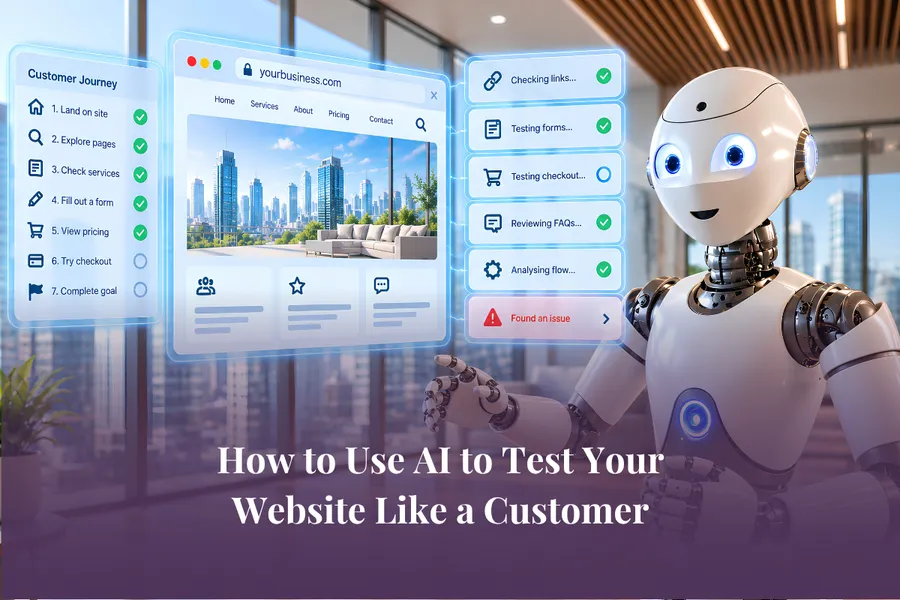
Short Answer: AI website testing lets a browser-based AI assistant interact with your website much like a customer would. It can click links, open FAQs, follow buttons, move through pages and help identify where something is broken or confusing.
Unlike asking AI to review a website from a pasted link, browser-based AI can work with the live page in front of you. That means it can observe what actually happens when a button is clicked or a customer journey moves from one step to the next.
For a small business owner, this can make website checking much faster. You can use AI to test a landing page, registration journey, enquiry form or sales page before customers find the problems themselves.
You still stay responsible for the result. Browser AI should be supervised, particularly when it can submit forms, download files or access systems you're already logged into.
What Is AI Website Testing?
AI website testing means using an AI assistant that can see and interact with your browser to check how your website behaves. Depending on the AI tool and the permissions you give it, the assistant may be able to:
open pages
click buttons and links
expand FAQs
move through navigation
interact with forms
follow redirects
test parts of a customer journey
identify unexpected behaviour
report where visitors may get stuck
This goes further than asking ChatGPT or another AI platform to review your homepage and suggest better copy. Browser-based AI can observe what happens as it moves through the actual site.
That distinction matters. If a button looks correct but takes visitors to the wrong page, a normal content review may never catch it. An AI assistant operating in the browser may be able to click the button, follow the destination and flag the problem.
We covered the wider shift from AI chat to AI working directly inside the browser in AI in Your Browser: The Clickless Internet Explained.
Why AI Website Testing Matters for Small Businesses
Website problems rarely arrive with a helpful warning. A form can stop working after an update. A button can point to an old page. A timer can trigger an unexpected redirect. A checkout link can work for you but behave differently somewhere else in the customer journey.
The difficult part isn't always fixing the problem. Sometimes it's finding out where the problem actually is.
If you're running a small business, you may not have a developer or website team continuously testing every page. You may only notice something has gone wrong when a customer tells you.
Browser AI gives you another way to investigate. Instead of describing everything you've already tried, you can sometimes let the AI watch the behaviour itself.
How AI Helped Us Find a Website Problem
We recently had exactly this problem inside the AI Success Lab. After one of our free webinars, people could still register through the webinar page and watch the replay. At least, that was the plan. People were being given the correct link, but when they opened it, they were automatically redirected to our evergreen webinar instead.
I checked the obvious place first, but there wasn't a URL redirect set up that explained what was happening. I spent around an hour looking for the cause and couldn't find it. That was when I opened ChatGPT in the browser and essentially said: Watch what happens when I open this URL and identify why it is redirecting.
ChatGPT watched the page load, saw the redirect happen and identified the problem. The countdown timer on the webinar page had been configured to redirect visitors to another URL when the timer reached zero. Because the webinar date had already passed, the timer immediately triggered that action whenever somebody loaded the page.
The redirect wasn't sitting inside our normal redirect settings at all, which was why we hadn't found it. The useful part wasn't that AI knew something we didn't, it could observe the behaviour happening on the page, giving it information that would have been tedious to explain through screenshots and copied settings.
Let AI Walk Through Your Website Like a Customer
Technical troubleshooting is only one use for AI website testing. You can also ask a browser assistant to experience a page the way a potential customer might.
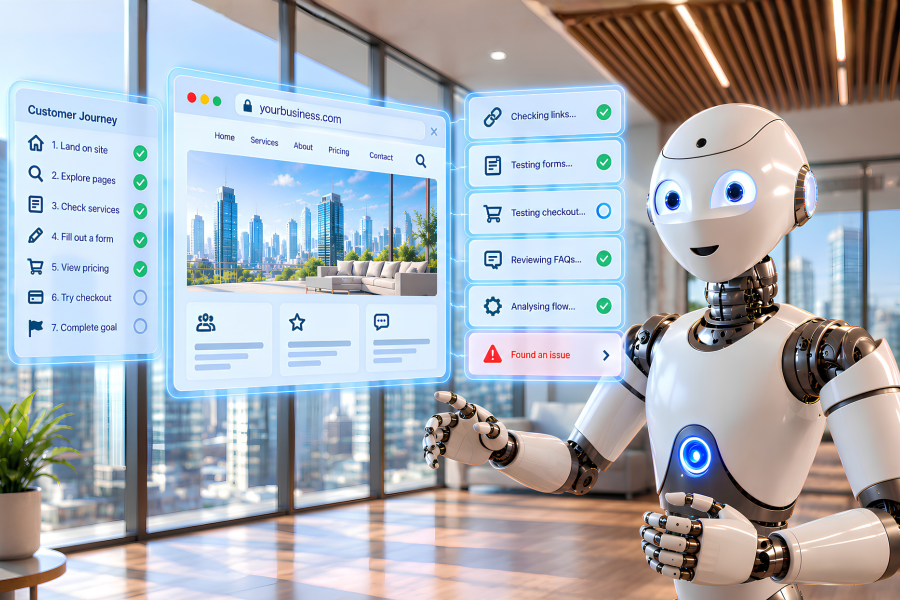
During our AI in Your Browser workshop, I asked ChatGPT to check every link and button on a web page as though it were a customer, then recommend improvements. The AI started working through the page, clicking buttons, opening FAQs, checking links, visiting the terms page and moving through different parts of the customer journey.
It even attempted to continue through a form until it reached a point involving payment. At the end, it gave me a report covering what it had tested and where the experience could be improved.
For a business owner, that creates a useful second set of eyes. You might know your own website so well that you automatically know where everything is, but a new visitor doesn't have that knowledge. Testing the journey from their side can reveal things you stop noticing.
What Can You Ask an AI Website Tester to Check?
Don't begin by asking AI to analyse your entire website. Choose one important customer journey instead. A smaller, clearly defined task is easier to supervise and easier to verify.
Test a lead generation page
Ask the AI to check:
whether the main CTA works
whether buttons point to the expected page
whether the form opens correctly
whether form labels are clear
whether the next step is obvious
whether the confirmation page appears
whether anything interrupts the journey
Test a sales page
Ask it to move through:
pricing information
CTA buttons
testimonials
FAQs
checkout links
terms and conditions
navigation links
The goal isn't for AI to decide whether your sales strategy is correct. The goal is to check whether the journey behaves the way you intended.
Test an enquiry process
Start with your main website and follow the path a potential client would take to contact you. Check whether the enquiry button works, whether the form loads, whether the next action is clear and whether the visitor knows what happens after they submit.
These simple checks can reveal friction that's easy to miss when you're looking at the website from inside the business.
Test a page after making changes
This may be one of the easiest ways to start. Any time you change a button, update a form, alter navigation, publish a new landing page, add a new offer or change a checkout link, run a quick browser test afterwards.
You're checking what happened, not what you expected to happen.
Try This AI Website Testing Prompt
Open the page you want to test and give your browser-based AI assistant a clear job. You could start with:
Check every link and button on the web page as though you are a customer. Make recommendations to improve the site.
That simple instruction can be enough for the AI to work through the page, click links and buttons, open FAQs, check the terms page and move through parts of the customer journey before reporting back with recommendations.
If you're testing something more specific, keep the same approach and clearly define what you want the AI to check. You might ask it to focus on one registration page, enquiry form or checkout journey rather than the whole website.
Browser AI should still be supervised. Keep approval controls in place, especially around uploads, downloads, payments or other important actions, and make sure you're comfortable with what the AI can access while it works.
AI Can Help Diagnose the Problem Too
Sometimes you don't need a full website review. You already know something isn't working, but you don't know why. This is where you can ask the AI to watch a specific action.
Try questions such as:
Why does this button take me to the wrong page?
Watch what happens when I click this link.
Why am I being redirected from this page?
Follow this journey and tell me where it breaks.
What happens when this form is submitted?
Can you identify which step is causing this behaviour?
This doesn't mean you no longer need web developers. Some issues still require technical knowledge, access to code or platform-specific expertise.
AI can help you narrow down the problem before you start changing things at random. That alone can save a lot of time.
Browser AI Can Do More Than Review the Page
The important change is that browser AI doesn't have to stop at analysing what it sees. Some tools can now click, navigate, type and work across pages.
We've looked at this broader shift in ChatGPT Agents: Browser, Computer Use and Sites Explained.
For website testing, that means you can move from "Read this page and tell me what you think" to "Work through this process and tell me what happens."
That's a very different type of AI use, and it also comes with more responsibility.
Keep the Human in the Loop
The ability to click and act is exactly what makes browser AI useful, but it's also why you shouldn't simply give it unrestricted access and walk away.
If you're using AI inside your browser, think about what else is open. Your browser may contain client information, your CRM, email, financial platforms, internal documents, website admin areas or social media accounts.
If information is sensitive and isn't needed for the task, close it. Review the permissions you've given your AI browser tool and pay particular attention to actions involving uploads and downloads. Requiring approval gives you another checkpoint before the AI does something you didn't intend.
Use official extensions from the actual provider rather than installing the first similarly named tool you find. Start with reversible tasks too. Testing a public landing page is a much better first experiment than asking an AI agent to edit your live website.
Don't Automatically Accept Every Recommendation
AI may successfully test your website and still give you a recommendation you shouldn't follow. It might suggest removing something your customers need, misunderstand why a particular field is required or recommend changing part of a customer journey without understanding the process behind it.
You still need to make the decision.
At the AI Success Lab, our rule for AI-generated content is: AI drafts, humans review, humans publish. The same thinking applies to AI actions.
AI can observe, test and recommend. Humans remain responsible for deciding what happens next.
Start With One Page
You don't need to redesign your website or create a complicated automation. Pick one page that matters to your business, such as your enquiry page, webinar registration page, lead magnet, sales page, booking form or checkout journey.
Open the page and ask your AI browser assistant to walk through it as a customer. Watch what it does, check its findings and then decide whether anything genuinely needs changing.
AI website testing works best when it has a clear job and a human watching the result. That makes it a practical first step into the wider world of AI that can do more than chat.
Build More Practical AI Skills for Your Business
Knowing that these tools exist is useful. Knowing where they fit into your real business tasks is far more valuable.
Our free AI Skills Upgrade workshop will help you identify where AI can genuinely support your business, where to start and how to build your capability without chasing every new tool.
Frequently Asked Questions
What is AI website testing?
AI website testing uses an AI assistant to review or interact with a website to identify problems, test links and buttons, follow customer journeys and report unexpected behaviour. Browser-based AI tools can go further than a standard website review because some can interact with the live page while you supervise.
Can AI test my website for broken links?
Yes. Some browser-based AI tools can click links and buttons to check whether they lead to the expected destination. You should still verify any issue the AI identifies before making changes to your website.
Can AI fill out website forms during testing?
Some AI browser assistants can type into forms and move through multi-step processes. Use test information rather than sensitive customer data, and set clear stopping points so the AI doesn't submit payments or complete irreversible actions without approval.
Is AI website testing safe?
AI website testing can be used safely with sensible controls. Close sensitive information that isn't needed, review browser permissions, use official AI tools and require approval for important actions. Supervise the AI while it interacts with your website.
Does AI website testing replace a web developer?
No. AI can help identify broken journeys, unusual behaviour and possible website issues, but complex technical problems may still require a developer or platform specialist. AI is most useful as an additional testing and troubleshooting assistant rather than a replacement for human expertise.